
TAMISEMI Opens Selform MIS for Form Five Combination and College Course Changes 2026
The Office of the Prime Minister – Regional Administration and Local Government (TAMISEMI) has officially opened the Selform Management Information System (Selform MIS) for Form Five subject combination changes and adjustments to college course selections for students who completed Form Four examinations in 2025 and are preparing for admission into Form Five and middle-level colleges in 2026.
The online system provides a structured digital platform for students to review and update their academic preferences in line with their Ordinary Level Examination (CSEE) results and available placement opportunities in government secondary schools and colleges.
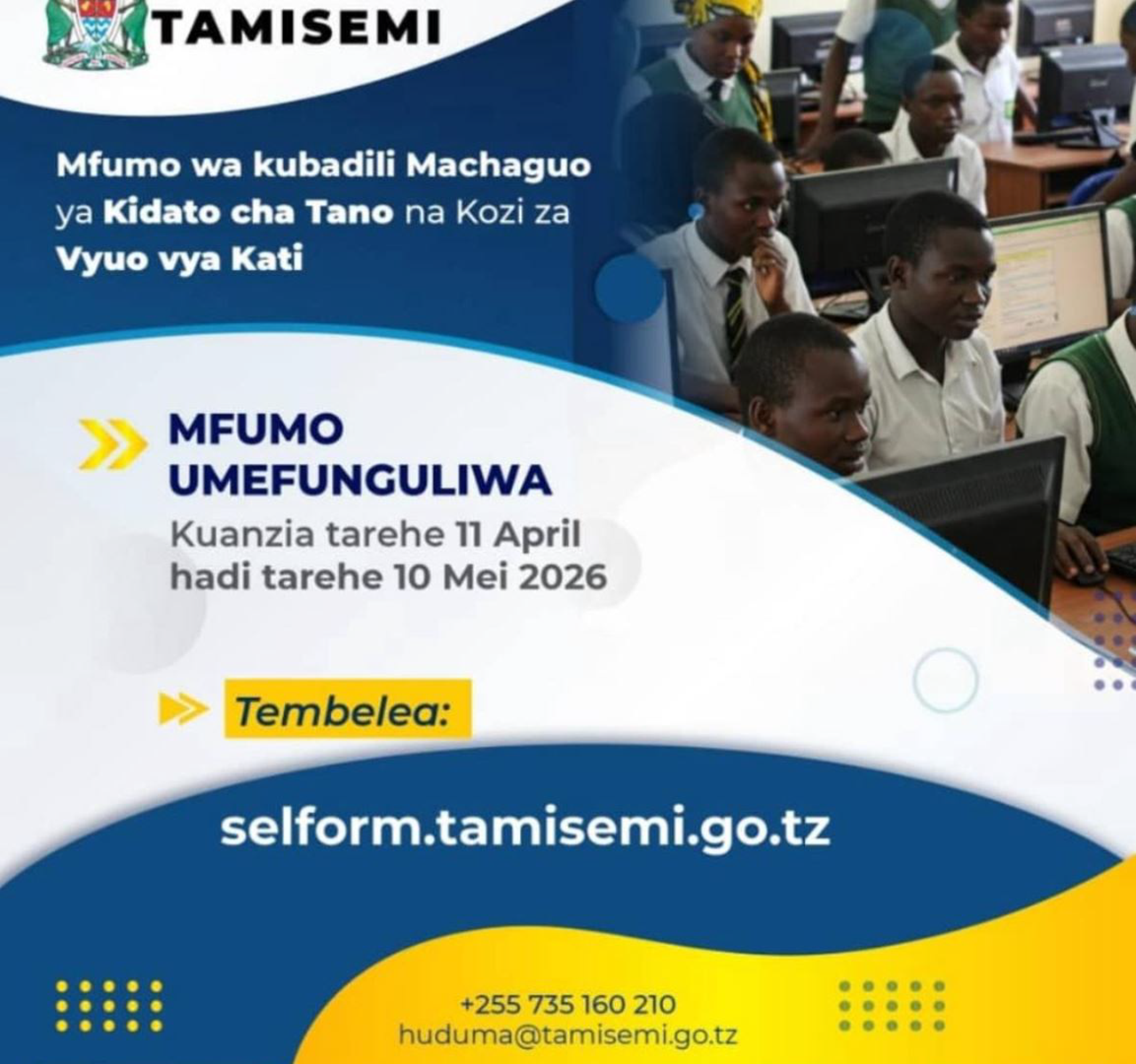
The application window has been set from 11 April to 10 May 2026, offering a limited period for all eligible candidates to complete necessary updates before final allocation processes begin.
Purpose of the Selform MIS System
The Selform MIS platform is designed to streamline student data management and ensure accurate placement of Form Four leavers into appropriate academic paths. Through the system, students are allowed to update key personal and academic details, including:
- Home address information
- Mobile phone number
- Email address
- School choices, college preferences, and subject combinations
This structured approach supports alignment between student performance and the available academic programs across Form Five education and middle-level training institutions.
Application Window for 2026 Form Five Combination Changes
The system for updating Form Five combinations and college course selections is open for a defined period of 30 days, starting from 11 April 2026 and closing on 10 May 2026.
During this period, all eligible candidates are required to complete their updates within the system to ensure their information is considered during the final placement process.
Step-by-Step Guide to Changing Form Five Combinations via Selform MIS
Students are required to access the official TAMISEMI portal through: selform.tamisemi.go.tz
Step 1: Access the System
Open any internet-enabled device and launch a web browser such as Chrome. Enter the official URL: selform.tamisemi.go.tz
The system will direct users to the login or registration interface.
Step 2: New User Registration
First-time users must select the option:
“For Candidates, Click here to Register”
to begin the registration process.
Step 3: Enter Personal Information
Applicants will be required to provide the following details:
- Index Number (e.g., S0101.0020.2018)
- Security question response
- Surname
- Year of birth
This information is used for identity verification within the system.
Step 4: Create Login Password
After successful verification, students will be prompted to create a secure password. This password will be used for future logins to access and modify their information.
Once completed, the system confirms successful registration and allows users to proceed with updating their combination and course preferences.
The opening of the Selform MIS system by TAMISEMI marks an important step in improving the management of Form Five and college admissions in Tanzania. The platform provides Form Four leavers with a reliable and accessible way to update their subject combinations and course preferences for the 2026 academic year.
Students are encouraged to complete their updates within the official timeframe of 11 April to 10 May 2026 to avoid missing placement opportunities in government secondary schools and colleges.
Read Also:
- Form Five Selection Criteria 2026 Explained: Who Qualifies and Why
- TAMISEMI Form Five Selection 2026: Expected Release Timeline
- NECTA Announced CSEE Examination Timetable for November 2026